
Nearly 87% of employers now reject design portfolios that lack digital renderings. This change shows how much the field has evolved in a few years. Your sketchbook alone won’t get you that dream job anymore.
The modern workspace needs technical proficiency and creativity. Clients want photorealistic visualizations before they approve projects. Employers look for graduates who can start working in collaborative workflows right away.
Knowing the right interior design tools is key to success. Digital platforms have replaced traditional hand-drawing methods in the industry. You must be able to visualize concepts, create accurate technical drawings, and present ideas professionally.
Investing in interior design software training will pay off throughout your career. These programs open doors that weren’t available before. The learning curve might be tough at first, but the benefits are worth it.
This guide will show you which programs are worth your attention in 2026. You’ll find platforms that fit your career goals and learning style. Let’s look at the essential skills that will make you stand out.
Key Takeaways
- Digital proficiency is now a must for modern designers, with most employers needing portfolio work that shows rendering skills
- Learning professional visualization programs greatly boosts your job market competitiveness and opens up more career opportunities
- Clients now expect photorealistic presentations before approving projects, making technical skills as crucial as creative vision
- Collaborative digital workflows have replaced traditional methods, requiring familiarity with cloud-based platforms and file-sharing systems
- Spending time learning essential programs during your education offers long-term professional benefits and faster career growth
- The gap between tech-savvy designers and traditional practitioners is growing, making early adoption of digital tools essential for success
Essential Software Tools for Interior Designers
Your success as an interior designer depends on mastering the right digital tools. These tools transform ideas into reality. The modern design industry requires proficiency in three distinct software categories.
Each category serves a unique purpose, from initial concept sketches to final construction blueprints. Understanding how these tools integrate into your workflow will accelerate your learning curve. You’ll discover that professional designers don’t rely on just one program.
Quality interior design software training teaches you not just how to use these tools, but when to apply each one for maximum efficiency. The investment you make in learning these platforms will pay dividends throughout your entire career.
Creating Digital Spaces with 3D Modeling Programs
Three-dimensional modeling software forms the creative heart of contemporary design work. These programs allow you to build virtual environments. You can experiment with spatial relationships, furniture placement, and architectural elements before anything physical exists.
The power of 3D modeling lies in its ability to communicate spatial concepts that floor plans alone cannot convey. You can adjust ceiling heights, test different room configurations, and visualize how natural light flows through windows at different times of day. This experimentation phase saves both time and money during actual construction.
“The ability to visualize a space in three dimensions before it’s built is not just convenient—it’s essential for modern interior design practice.”
Your 3D models become the foundation for all subsequent design development. They help you identify potential problems early, when changes cost nothing more than a few mouse clicks. This proactive approach distinguishes professional designers from amateurs who discover issues only after construction begins.
Bringing Designs to Life Through Visualization Platforms
Visualization tools transform your basic 3D models into photorealistic presentations. These rendering programs add materials, textures, lighting effects, and atmospheric details that make your concepts tangible to clients. You’ll create images that look like professional photographs of completed spaces.
The psychological impact of high-quality renderings cannot be overstated. Clients who struggle to interpret technical drawings immediately understand your vision when viewing realistic visualizations. This clarity builds confidence and accelerates decision-making, moving projects forward faster.
Advanced visualization platforms now offer real-time rendering capabilities. You can adjust materials and lighting while clients watch. This interactive approach engages clients in the creative process and helps them feel invested in the final outcome.
Animation features within visualization tools add another dimension to your presentations. You can create virtual walkthroughs that guide viewers through spaces exactly as they would experience them in reality. These animations are valuable for marketing luxury residential projects and commercial developments.
Technical Precision Through CAD Applications
Computer-Aided Design programs provide the technical foundation that makes your creative visions buildable. CAD software enables you to create dimensionally accurate floor plans, elevations, sections, and detail drawings that contractors need for construction. Precision is non-negotiable in these documents.
Your CAD drawings communicate exact measurements, material specifications, and construction methods to builders. Every line, dimension, and annotation must follow industry standards that tradespeople understand universally. Mistakes in these documents translate directly into costly construction errors and project delays.
Modern CAD programs include extensive libraries of architectural elements, furniture, fixtures, and equipment. You’ll drag and drop standardized symbols rather than drawing everything from scratch. This efficiency allows you to produce professional documentation in a fraction of the time manual drafting required.
The collaboration features in contemporary CAD platforms facilitate coordination with architects, engineers, and consultants. Multiple team members can work on the same project simultaneously, with the software tracking changes and preventing conflicts. This collaborative capability is essential for complex commercial projects involving numerous disciplines.
| Software Category | Primary Function | Key Benefits | Project Phase |
|---|---|---|---|
| 3D Modeling | Spatial design and conceptualization | Experiment with layouts, visualize proportions, client presentations | Schematic Design |
| Visualization Tools | Photorealistic rendering and animation | Communicate design intent, marketing materials, client approval | Design Development |
| CAD Programs | Technical documentation and drawings | Precise measurements, construction details, contractor coordination | Construction Documents |
| Integrated Workflow | Seamless data transfer between platforms | Reduced errors, time savings, comprehensive project delivery | All Phases |
The three categories of interior design tools work together throughout your entire project workflow. You might start with quick 3D modeling to explore concepts, refine those models with detailed materials in visualization software, then export dimensions to CAD for construction documentation. This integrated approach ensures consistency across all project deliverables.
Learning to move data between these platforms efficiently requires practice and proper training. File format compatibility, scale accuracy, and layer organization all impact how smoothly information transfers. Professional interior design software training addresses these technical considerations that self-taught users often overlook.
Your mastery of these essential software categories will determine your capacity to handle increasingly complex projects. Clients and employers expect designers who can independently manage the full spectrum of digital deliverables. Building these skills early in your education establishes the technical foundation your entire career will rest upon.
Popular Interior Design Software in 2026
Mastering these three programs is key for your toolkit. They are essential tools for creating professional designs. Each platform has unique features for different design needs.
Choosing the right software depends on your project and career goals. These programs are widely used in interior design studios across the United States.
Creating Quick Concepts with Intuitive Modeling
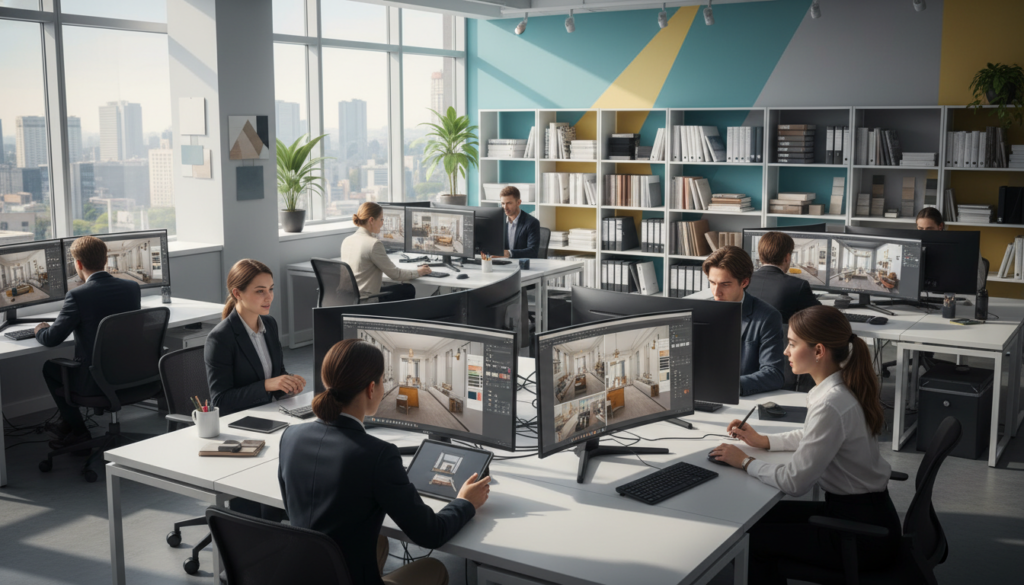
SketchUp is known for being user-friendly for interior designers. It lets you turn ideas into visual concepts fast. This is great for brainstorming and early client meetings.
Its easy-to-use interface means you focus more on designing. You can start producing quality work quickly. SketchUp uses simple techniques that beginners find easy to use.
- Spatial planning: Test different furniture arrangements and room configurations quickly
- Material exploration: Apply finishes, colors, and textures to see how they work together
- Client communication: Create walkthrough animations that help clients visualize your designs
- Library building: Access thousands of pre-made furniture models or create custom pieces
SketchUp’s plugin ecosystem extends its capabilities. Plugins like V-Ray and Enscape make your models look real. Other plugins help with tasks, create complex geometry, and integrate with manufacturing systems.
SketchUp works well with other design tools. You can export models, import CAD drawings, and share files with team members.
Mastering Technical Documentation Standards
AutoCAD is the gold standard for construction documents and technical drawings. Knowing AutoCAD is crucial for getting hired. It helps you create accurate drawings that contractors need.
AutoCAD is great for creating floor plans, reflected ceiling plans, elevations, and detail drawings. Its layer system keeps drawings organized. This is important when working with architects, engineers, and other design professionals.
Learning AutoCAD opens up many professional opportunities:
- Space planning projects that require exact measurements and code compliance
- Millwork shop drawings for custom cabinetry and built-in furniture
- Construction documentation for permit applications and contractor bidding
- As-built drawings that document existing conditions before renovation
AutoCAD lets you customize your workflow. You can create tool palettes, command shortcuts, and automated routines. Customizing your workflow saves time when producing professional documentation.
AutoCAD integrates with the Autodesk ecosystem. This allows for smooth data exchange with 3D modeling and BIM platforms. It’s a central hub in many design workflows.
Embracing Intelligent Building Models
Revit is the future of architectural and interior design technology. It uses Building Information Modeling to create intelligent 3D models. Every element in the model has detailed information about materials, costs, and performance.
Revit’s parametric relationship between model elements eliminates coordination errors. If you change a wall in your floor plan, Revit updates all related drawings and schedules. It also recalculates quantities and updates schedules.
Understanding BIM workflows is key as the industry moves toward collaborative design. Revit allows multiple designers to work together on the same project. It tracks changes, manages conflicts, and maintains a central model.
Revit offers advanced capabilities for interior designers:
- Automatic schedules: Generate furniture, fixture, and finish schedules directly from your model
- Quantity takeoffs: Extract accurate material quantities for cost estimation
- Design options: Compare alternative layouts within a single project file
- Visualization tools: Create realistic renderings and walkthroughs from your working model
Revit excels on large commercial projects where coordination is complex. It connects designers with architects, MEP engineers, and structural consultants. This integration reduces conflicts and ensures your interior elements work with building systems.
Major design firms prefer candidates with Revit experience. It represents industry best practices. Revit’s ability to manage project data is invaluable for firms handling large projects.
Training Opportunities for Aspiring Designers
Finding good interior design software training can boost your skills and career. The right path depends on how you learn, your schedule, and your goals. You can choose from classroom learning, online courses, or certification programs.
Each method has its own benefits. Pick what fits your learning style and schedule best.
Brick-and-Mortar Learning Centers
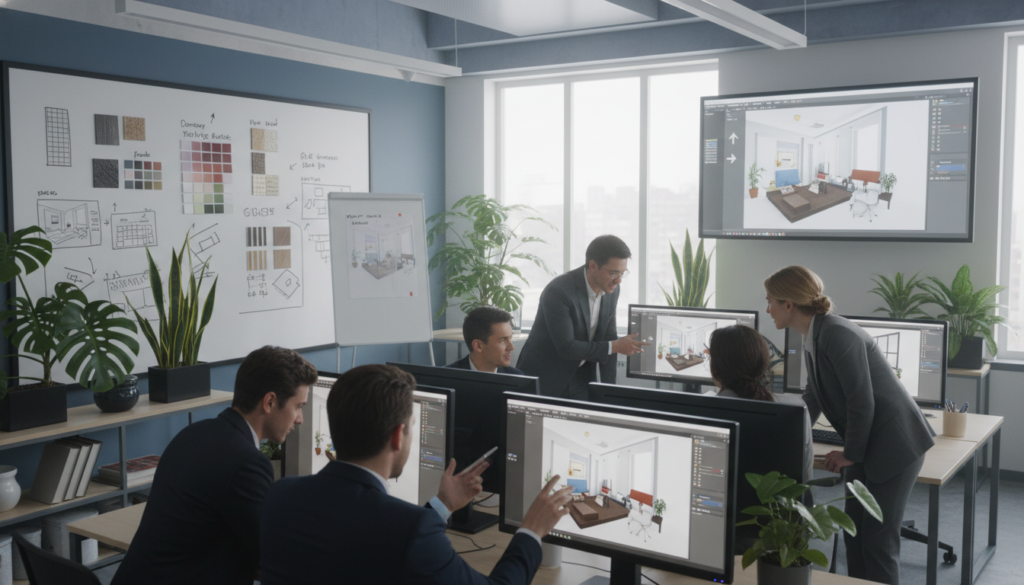
Local schools offer hands-on learning with top software and hardware. You get feedback from instructors on the spot. The classroom setting keeps you on track and learning.
NIF Global Siliguri has detailed programs on design apps. They mix theory with practical projects. Call +91 98326 40060 or email nifsiliguri@gmail.com for more info.
Learning in person helps you network. You meet others with similar interests. These connections can lead to jobs and partnerships.
Experienced instructors share real-world tips. They teach you how to work like a pro designer.
Digital Learning Platforms and Live Sessions
Online courses are flexible, fitting your life. You can learn SketchUp, AutoCAD, and Revit from anywhere. This is great if you have other commitments.
Many platforms offer quality design courses:
- LinkedIn Learning has expert courses with files to practice
- Udemy offers courses on design software for free or a fee
- Coursera partners with universities for design tech courses
- Software-specific sites from Autodesk and Trimble have official training
Online learning lets you focus on tough topics. You can watch sections again. Most sites have forums for questions and feedback.
Live webinars offer interactive learning online. You can ask questions and get answers right away.
Professional Credentials and Validation
Certifications prove your skills to employers and clients. They show you’re serious about your career. They prove you have specific skills.
Autodesk offers two certification levels. The Autodesk Certified User is for beginners. The Autodesk Certified Professional is for experts.
These certifications test your skills in AutoCAD and Revit. Passing shows you can work well with the software.
SketchUp certification also shows your skills. Trimble’s certification proves your modeling and workflow knowledge. It helps you stand out in the job market.
Study guides and courses help you pass exams. They cover what you need to know. Many online platforms offer exam prep courses.
| Training Method | Best For | Key Advantage | Time Commitment |
|---|---|---|---|
| Local Institutions | Hands-on learners | Direct instructor feedback | Fixed schedule |
| Online Courses | Self-directed students | Flexible pacing | Variable timing |
| Certification Programs | Career advancement | Professional validation | Exam preparation |
Keeping certifications current is important. You need to learn about software updates. This keeps your credentials valid as technology changes.
Having certifications can increase your earnings. Employers value candidates who invest in their skills. Certifications can also mean higher rates for freelancers.
Creating a training plan might mix different methods. Start with online courses, then do in-person workshops. Adding certifications proves your skills and boosts your credibility.
The Future of Interior Design Software
Technology is changing how designers work. Your success depends on knowing where digital tools are going. The software you learn today will change a lot in the next few years.
Emerging Technologies in Design
Virtual and augmented reality are becoming key in design. They let clients see spaces before they’re built. Cloud-based platforms make working with teams across the globe easier.
Parametric design algorithms help you see many design options fast.
Artificial Intelligence in Design Platforms
AI is changing design software, like AutoCAD. It suggests furniture layouts and finds design issues. Machine learning automates tasks, letting you focus on creativity.
Your role as a designer is still important. AI is a powerful tool, not a replacement.
Ongoing Professional Development
Learning interior design software is a lifelong process. Software updates add new features, so you need to keep learning. Join professional groups and go to conferences to stay up-to-date.
Make time each month to learn new things. Your dedication to learning will keep you ahead in the market. See these changes as chances to grow and serve your clients better.